
Sales receipts for paid-up salesrecorded from Salesforce
When the customer pays on the spot, record the sale as a QuickBooks sales receipt instead of an invoice. Build it on the Salesforce record, save it to QuickBooks Online, and email it to the customer if you like.
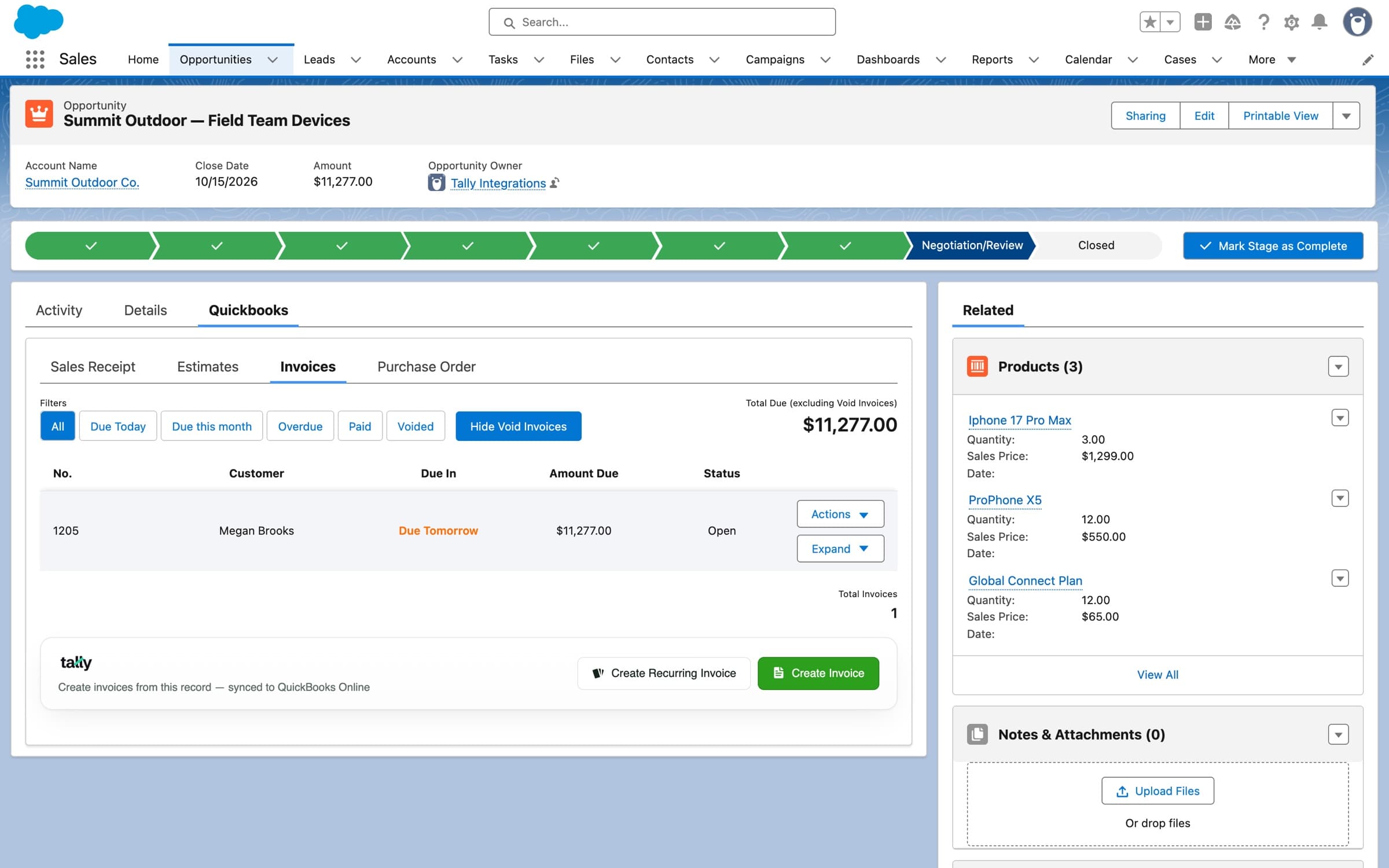
The Quickbooks tab on an opportunity: Sales Receipt sits next to Estimates, Invoices and Purchase Order. Demo org data.
Built like an invoicefor money already received
The sales receipt builder has the fields of the QuickBooks form, filled from the record where it can be.
Customer and email
The QuickBooks customer, its email, and a Bill to CC address.
Number and date
Sales Receipt no. and Sales Receipt Date, plus billing and shipping addresses.
Shipping details
Ship Via, Shipping Date and Tracking Number.
Lines and tax
Products and services from your catalog, with a sales tax rate and per-line class when you use class tracking.
Messages
A message on the sales receipt and a message on the statement.
Save, or Save and Send
Create it in QuickBooks Online, or create it and email it to the customer.
Automate itwhen a sale is paid in full
The Create Sales Receipt on QBO - Easy Setup Flow action builds the whole receipt inside a Flow, so a closed, paid deal can record itself.
- 1
Point it at the record
The record it's linked to, the Account and its QBO Customer.
- 2
Give it the lines
A Sales Receipt Item Collection, plus date, document number, discount and tax rate if you need them.
- 3
Addresses and shipping
Billing and shipping address fields, Ship Via, Shipping Date, Tracking Number and Shipping Amount.
- 4
Custom fields and messages
A Custom Fields Collection, a message on the sales receipt and one on the statement.
- 5
Email it, or not
Set Email Sales Receipt to send it to the customer as it's created.
Pricing
$3,995
per year, Tally Basic
Three plans, from Tally Basic at $3,995 per year to Tally Scale at $7,290. See what each one includes on the pricing page.
Every plan
- Create, edit, and resend invoices in SalesforceIncluded
- Sync products & services both waysIncluded
- Sync accounts & QuickBooks customersIncluded
- Access historical invoicesIncluded