 Automation
Automate QuickBooks billing with Salesforce
Automate invoices, estimates, sales receipts, purchase orders, payments, and refunds — driven by the Salesforce rules and flows your team already uses.
Overview
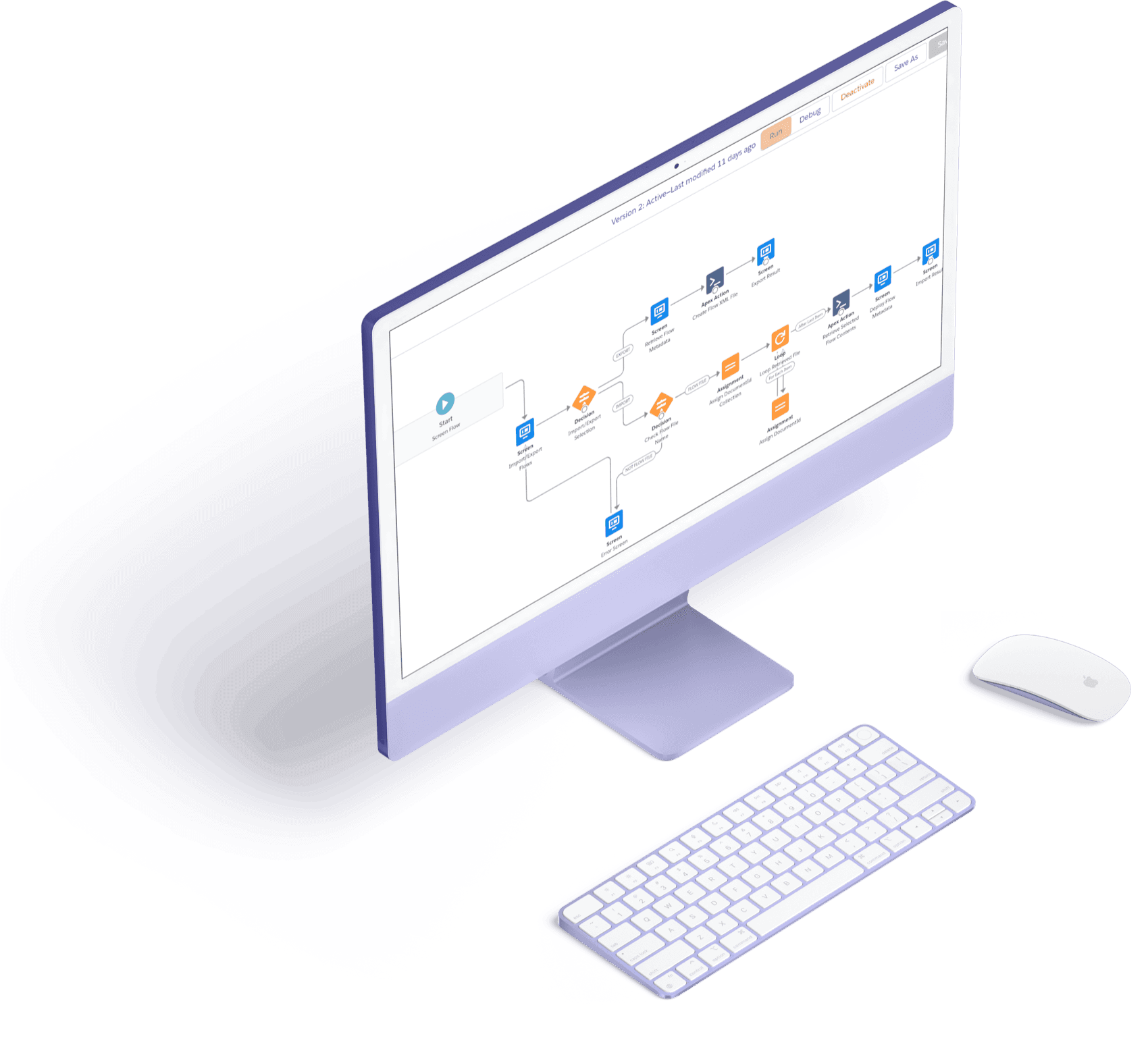
Tally's automation engine connects QuickBooks and Salesforce so the busywork runs itself. Trigger invoices when a deal closes, auto-send recurring bills, push payments and refunds, and keep every document in sync — all driven by native Salesforce automation. Removing the manual steps removes the errors that come with them, and frees your team to focus on customers instead of data entry.
- Automate invoices, estimates, sales receipts, purchase orders, payments, and refunds.
- Trigger billing actions from native Salesforce flows and rules.
- Eliminate manual double entry between your CRM and your books.
- Greater accuracy and efficiency across the whole revenue cycle.
How it works
Define the trigger
Use Salesforce flows to fire billing actions when a deal reaches the right stage.
Tally executes
Invoices, receipts, payments, or refunds are created in QuickBooks automatically.
Everything stays synced
Documents and statuses update across QuickBooks and Salesforce in real time.
Automation FAQ
What can Tally automate between QuickBooks and Salesforce?
Invoices, estimates, sales receipts, purchase orders, payments, and refunds — all triggered by the Salesforce rules and flows you already use.
Does automation reduce errors?
Yes. By removing manual double entry between Salesforce and QuickBooks, Tally eliminates the mistakes that come with re-keying data.
Explore more features


Ready to unify QuickBooks and Salesforce?
Unify your QuickBooks experience directly from your Opportunities in Salesforce.