Bi-Directional Product Sync Between QuickBooks and Salesforce
Keep products and services in sync between QuickBooks and Salesforce in real time — automatically or on demand — with Tally's bi-directional product sync.

QuickBooks & Salesforce bi-directional Product sync
tallyi May 15, 2024
At the core of our integration between QuickBooks and Salesforce lies a commitment to streamlining product syncing while offering simplicity and control to our users. Here’s an overview of what and how we achieve our bi-directional product sync:
Exporting Products from Salesforce to QuickBooks:
Manual Export:Tally allows users to export products from Salesforce to QuickBooks with just a click of a button. Automated Real-Time Sync: Real-time sync feature automatically generates a new product in QuickBooks the moment it is created in Salesforce.
Syncing Products from QuickBooks to Salesforce:
Manual Import: Users can import products from QuickBooks into Salesforce by selecting their preferred price book with a click of a button. Real-Time Syncing: Products created or updated in QuickBooks are seamlessly reflected in Salesforce within milliseconds.
What Tally Syncs:
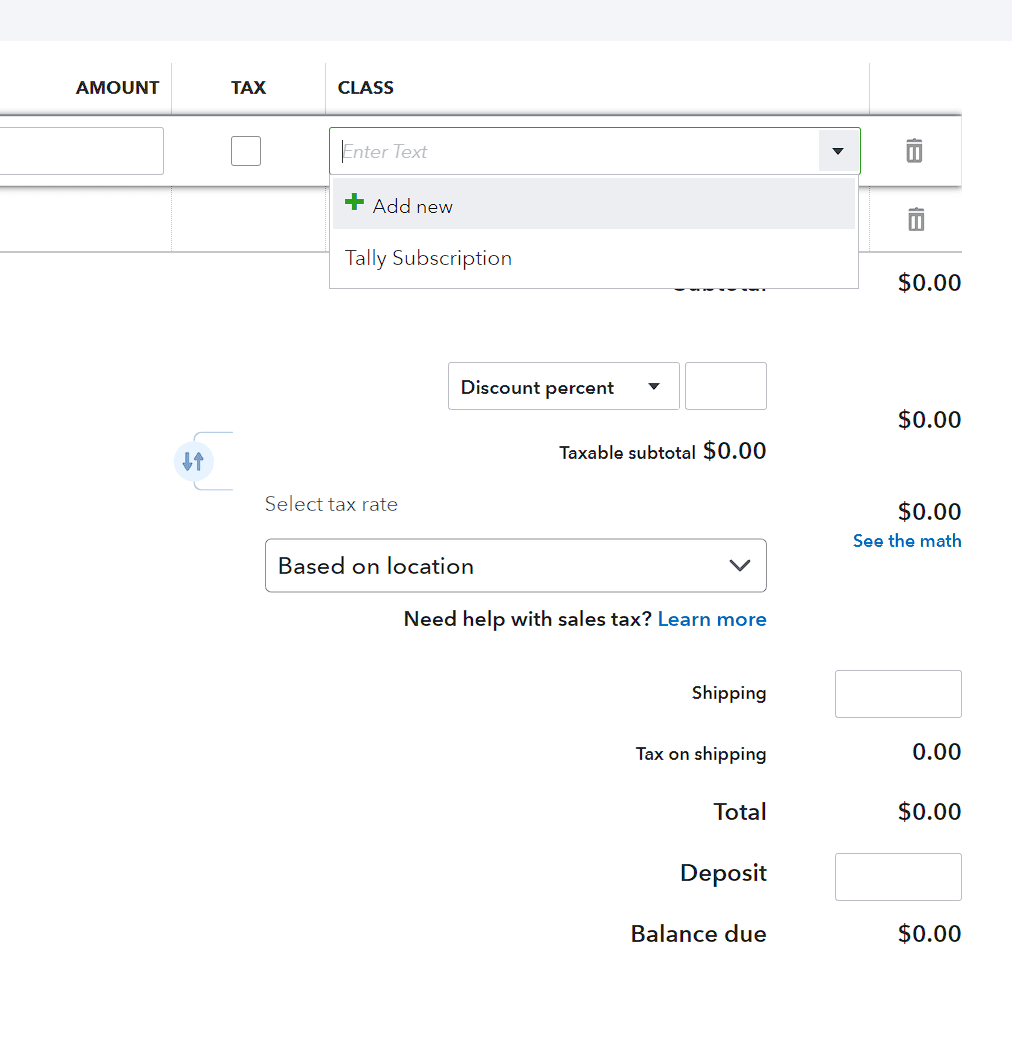
Product Information: Tally ensures the transfer of essential product data including product name, description, sale price, class, inventory quantity, product type, and SKU between Salesforce and QuickBooks. How Tally Achieves It:
Advanced Integration Technology:Tally is powered by advanced integration technology designed to provide flexibility and control over the syncing process.
User-Friendly Interface:Tally offers a user-friendly interface that simplifies the syncing process, allowing users to manage their product data efficiently. Customization Options: Users can customize syncing preferences according to their business needs, choosing between manual export/import or real-time syncing options.
Benefits of Using Tally:
Efficiency:Tally streamlines the syncing process, saving time and reducing manual errors. Accuracy: Ensures consistency and accuracy of product data across both platforms. Flexibility: Users have control over syncing preferences and can choose the method that best suits their workflow. Real-Time Updates: Real-time syncing ensures that users have access to up-to-date product information at all times.
Share on
PrevPreviousCustom Tax Rates
Next#1 Guide to a successful Salesforce QuickBooks IntegrationNext
POST RELATED